| configs | ||
| db/initdb | ||
| db_old | ||
| docs | ||
| pictures | ||
| src | ||
| .gitattributes | ||
| .gitignore | ||
| docker-compose.yml | ||
| Dockerfile | ||
| LICENSE | ||
| README.md | ||
| SCREENSHOTS.md | ||


DiIiS Project
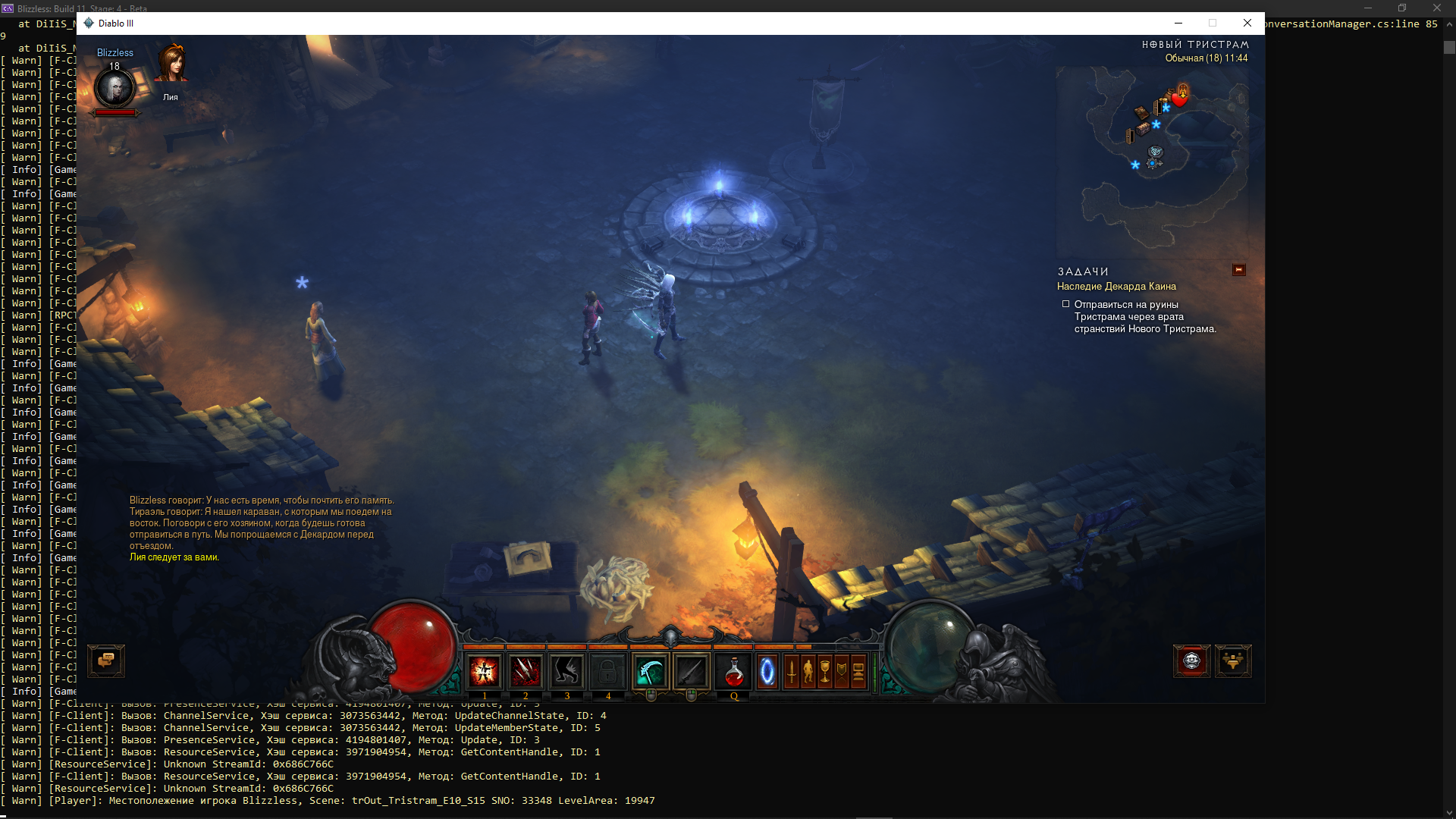
DiIiS is a fully-functional open-source local server for Diablo III: Reaper of Souls.
Features
- Implemented account creation system, authorization and lobby.
- Implemented Necromancer class mechanics.
- Fully implemented chat system and friends.
- Fully implemented clan system.
- Implemented basic DRLG (dungeon generator).
- Implemented item generator with in-game affixes.
- Implemented the basic mechanics of almost all active abilities for all classes.
- Implemented a system of set items.
- Implemented all main scripts for all story quests 5 acts.
- Implemented basic scripts and generator for "Adventure Mode".
- Implemented the basis for the "Challenge Nephalem Rifts" mode.
- Implemented artificial intelligence for 80% of minions.
- Implemented personal artificial intelligence for 40% of all monsters.
- Implemented personal artificial intelligence for half of the Bosses.
- Implemented LAN
Restrictions
- Donate Store implementation is removed.
Installation
Supported Clients
Each version of the client includes changes to structures, opcodes and attributes.
The currently supported version of the client: 2.7.4.84161
Server Deploying
Prepare Database
Manual
- Install PostgreSQL 9.5.25.
- Create databases in PostgreSQL:
diiisandworlds. - Change you account and password in
database.Account.configanddatabase.Worlds.conifg. - Restore
worlds.backuptoworldsdatabase.
Or using docker
- Install docker
- Run
docker-compose upinside db folder.
Compile and run
- Install .NET 7 SDK and runtime (just runtime, not asp.net or desktop)
- Go to the repo directory and compile the project using this command:
dotnet publish ./src/DiIiS-NA/Blizzless.csproj --configuration Release --output ./publish
- Skip this stage for local game Copy the config.mods.json file to the folder, and modify however you want. A file will be generated automatically from the
config.inifor now. - Update your
config.inifile on the published folder with your network's IP records (BindIPandPublicIP) - Go to the publish folder, launch Blizzless executable, wait until server start - it creates a hierarchy.
- Create user account(s) using console:
!account add Login Password Tag
- Example:
!account add username@ YourPassword YourBattleTag- Creates an account with Login
username@, passwordYourPasswordand BattleTagYourBattleTag !account add username@ YourPassword YourBattleTag owner- Creates an account with Login
username@, passwordYourPasswordand BattleTagYourBattleTagwith rankowner
Prepare Client
Do this for each client connecting to the server.
-
Get supported client Diablo 3.
-
Install certificate bnetserver.p12, password -
123(the game verifies the CA root certificates). -
Setting up redirects client to your server:
Method #1 - Hosts
Add redirects to the
hostsfile (Windows -%WinDir%\System32\drivers\etc\hosts, Linux -/etc/hosts):
127.0.0.1 us.actual.battle.net
127.0.0.1 eu.actual.battle.net!After the modification the official Battle.Net application will not be able to connect to the server!
Method #2 - Modify main executable file
// Find null-terminated string enum and rewrite with HexEditor to your IP server. eu.actual.battle.net/ us.actual.battle.net/ cn.actual.battle.net/ kr.actual.battle.net/ -
Launch client (
x64orx86) with arguments"Diablo III64.exe" -launch -
Login to the game using your credentials.
-
[Skip this stage for local game] After that, when creating a game (in client), indicate the creation of a public game. Other players, when connecting, must also indicate a public game, and at the start they will connect to you.
-
You're in the game world!
Server Configuration
Global configuration
Using the configuration file you can easily override the global world parameters.
Command system
The command system allows you to get control of the game world if you have rights. A list of commands is available here.
Issues
Check the report form before submitting issue, this will help people save time!
System requirements
| Entry-level | Mid-range | High-end | |
|---|---|---|---|
| CPU | Intel Core i5 or AMD Ryzen 5 | Intel Core i7 or AMD Ryzen 7 | Intel Core i9 or AMD Ryzen 9 |
| Memory | 4 GB RAM | 16 GB RAM | 64 GB RAM |
| Disk | 500 MB | 1 GB | 1 GB |
Screenshots
You can see more screenshots here